
Access your care plan or care team at any time, any place. All you need is a mobile device, an email account, and a few minutes of your time.
Select your device:
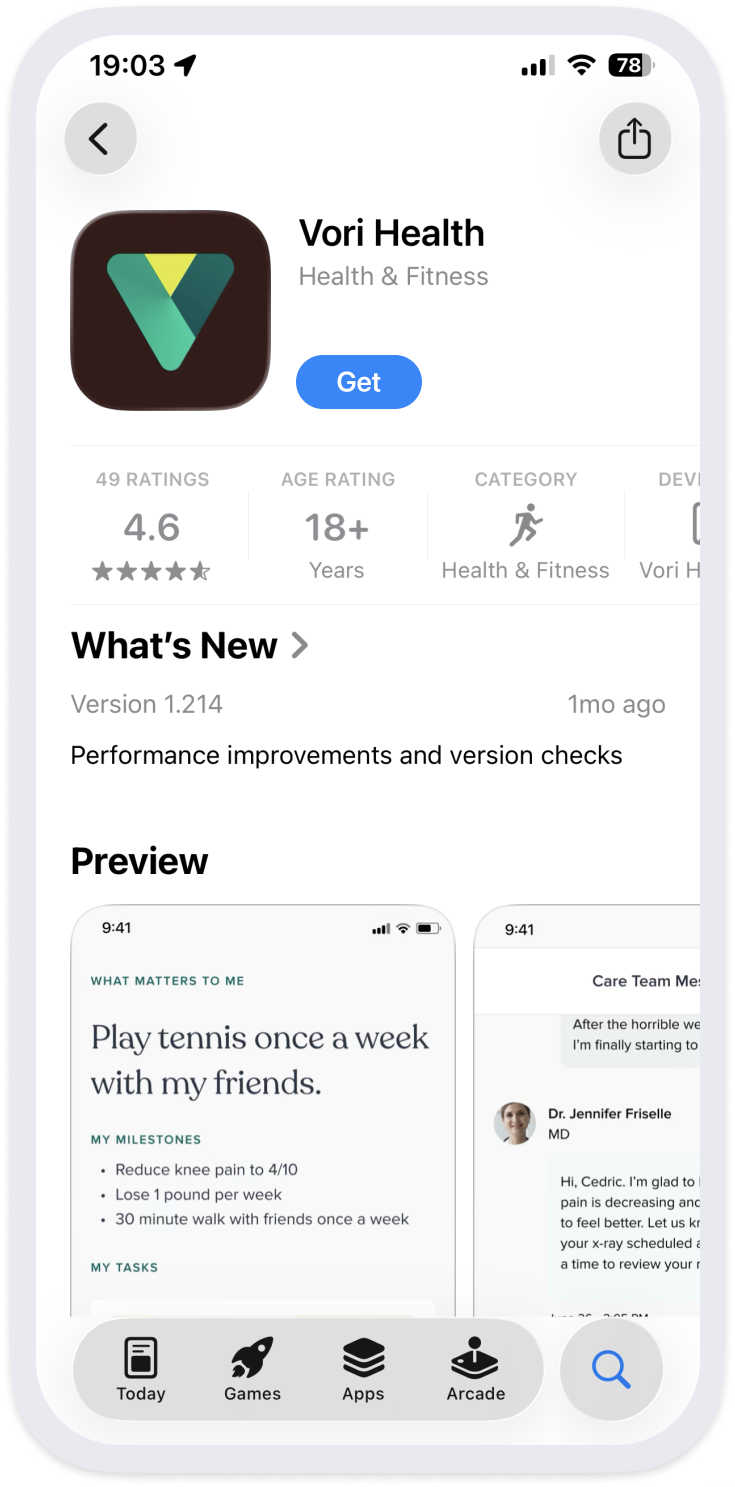
Download the Vori Health app in the App Store. Once it has finished downloading, open the Vori Health app to log in.
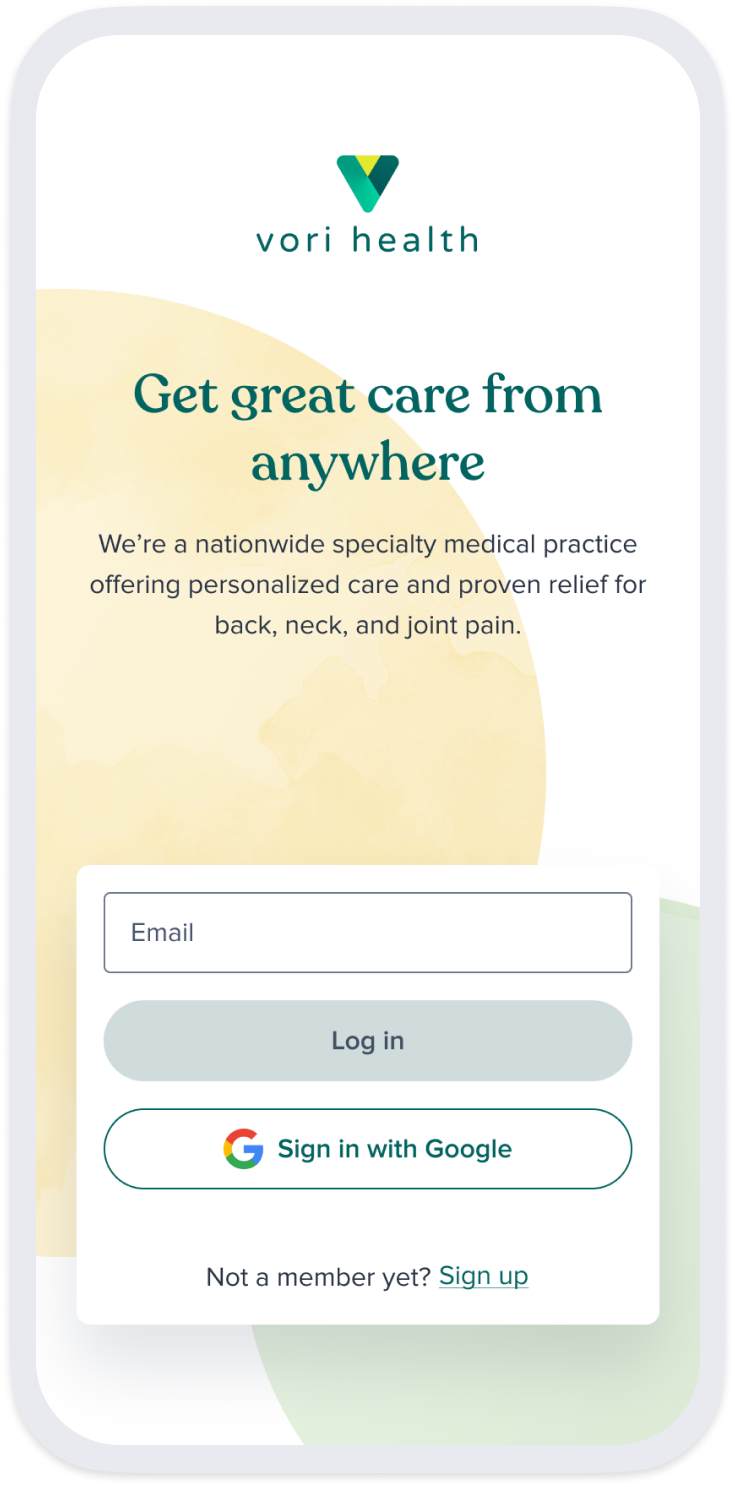
Enter the email address used when you first registered with Vori Health and tap ‘Log In’ to continue. You will receive a verification code via email.
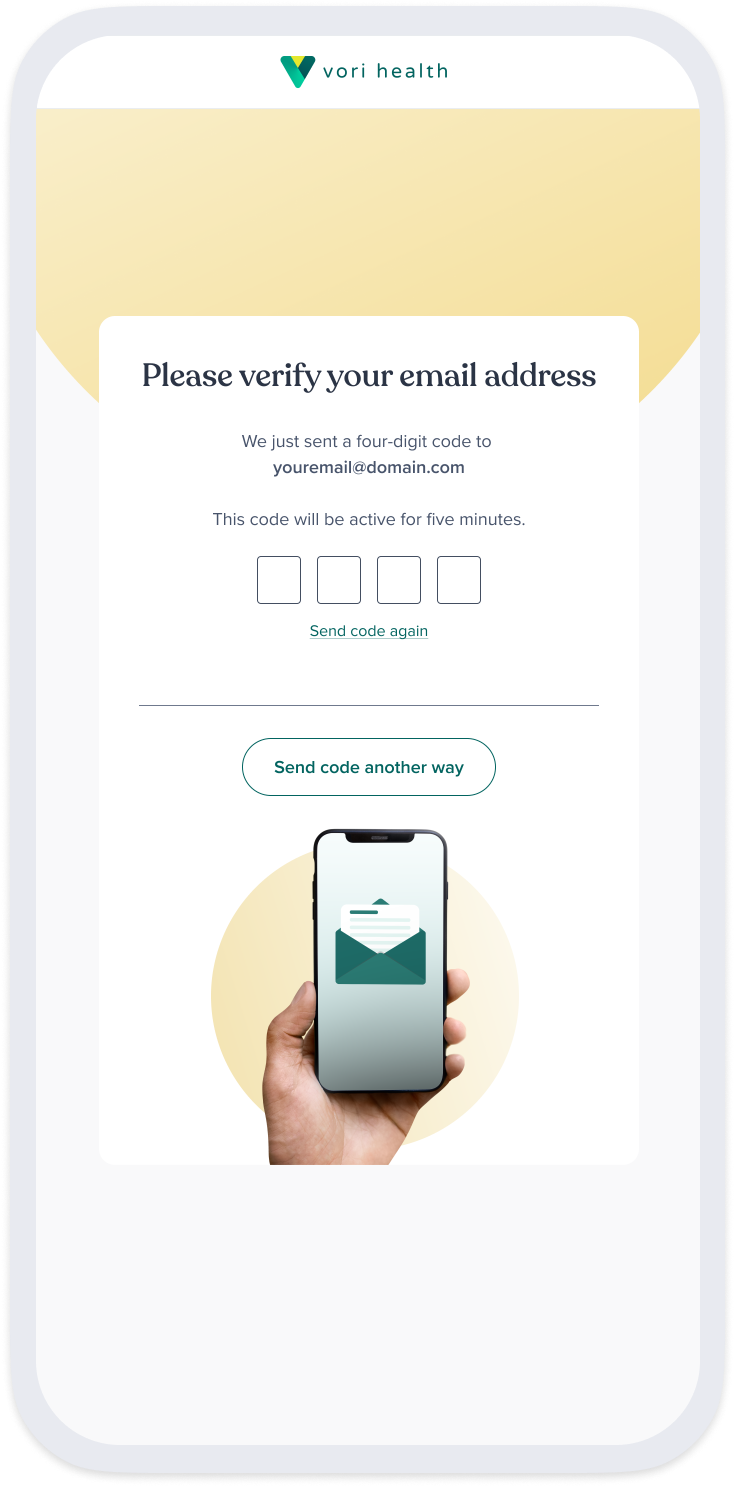
Return to the Vori Health app and enter the 4-digit verification code to proceed. If the code expires, you can request a new code and try again.
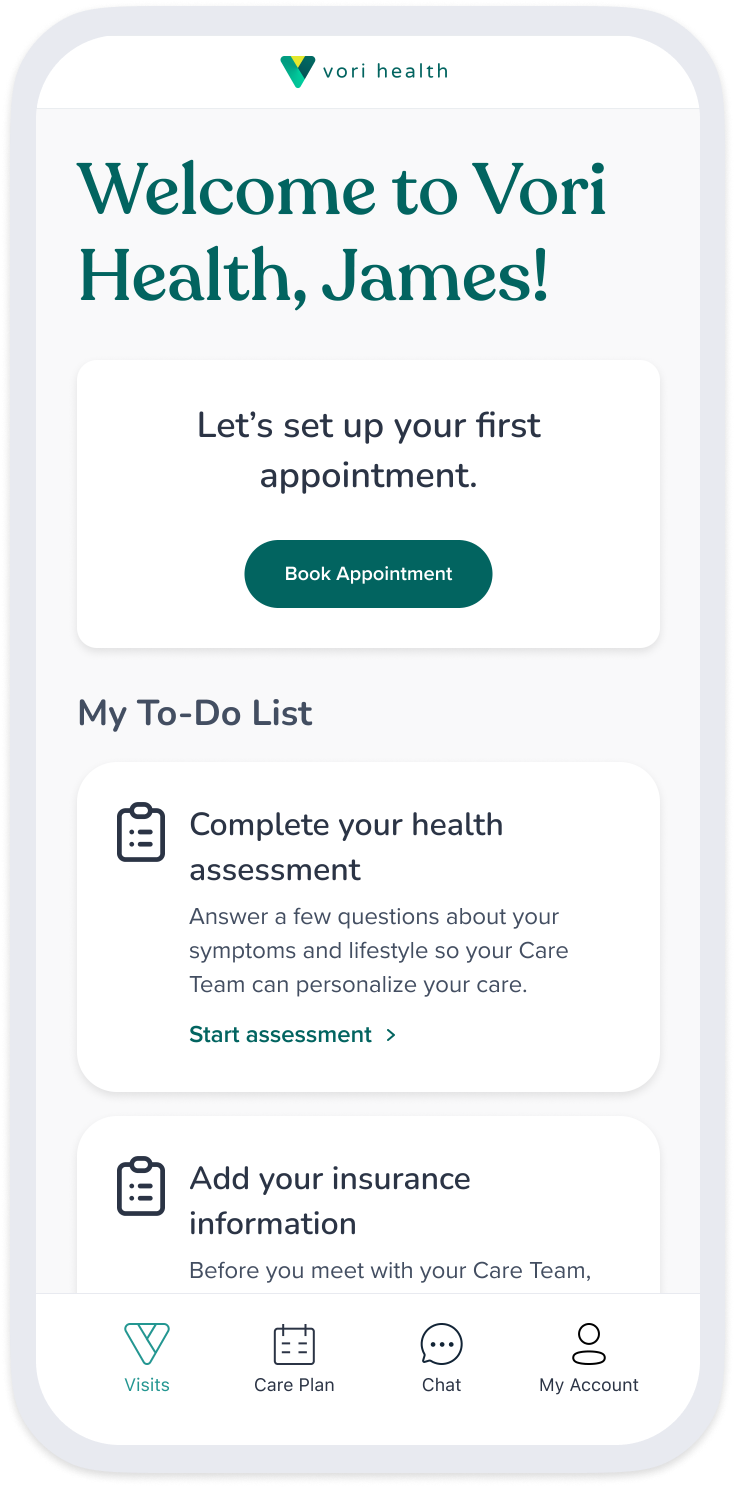
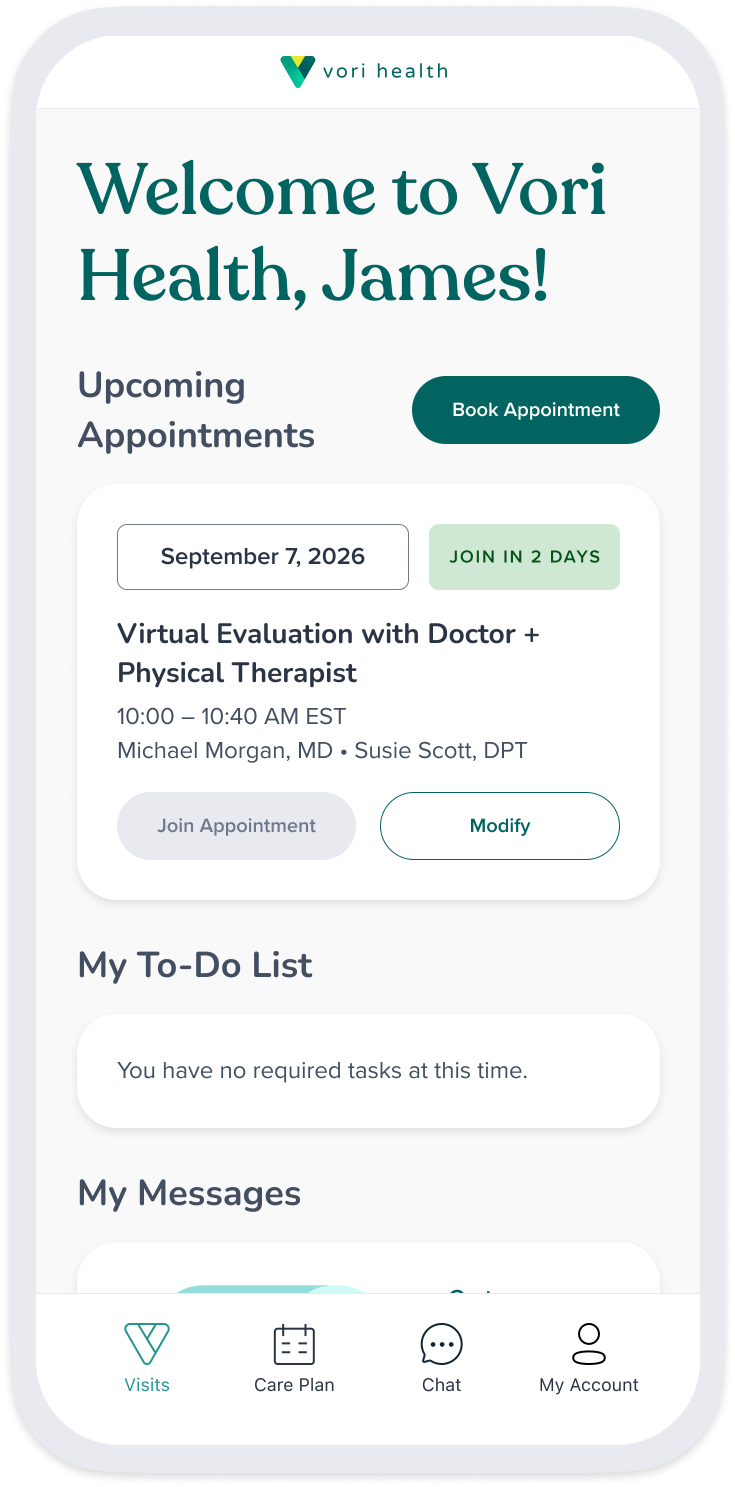
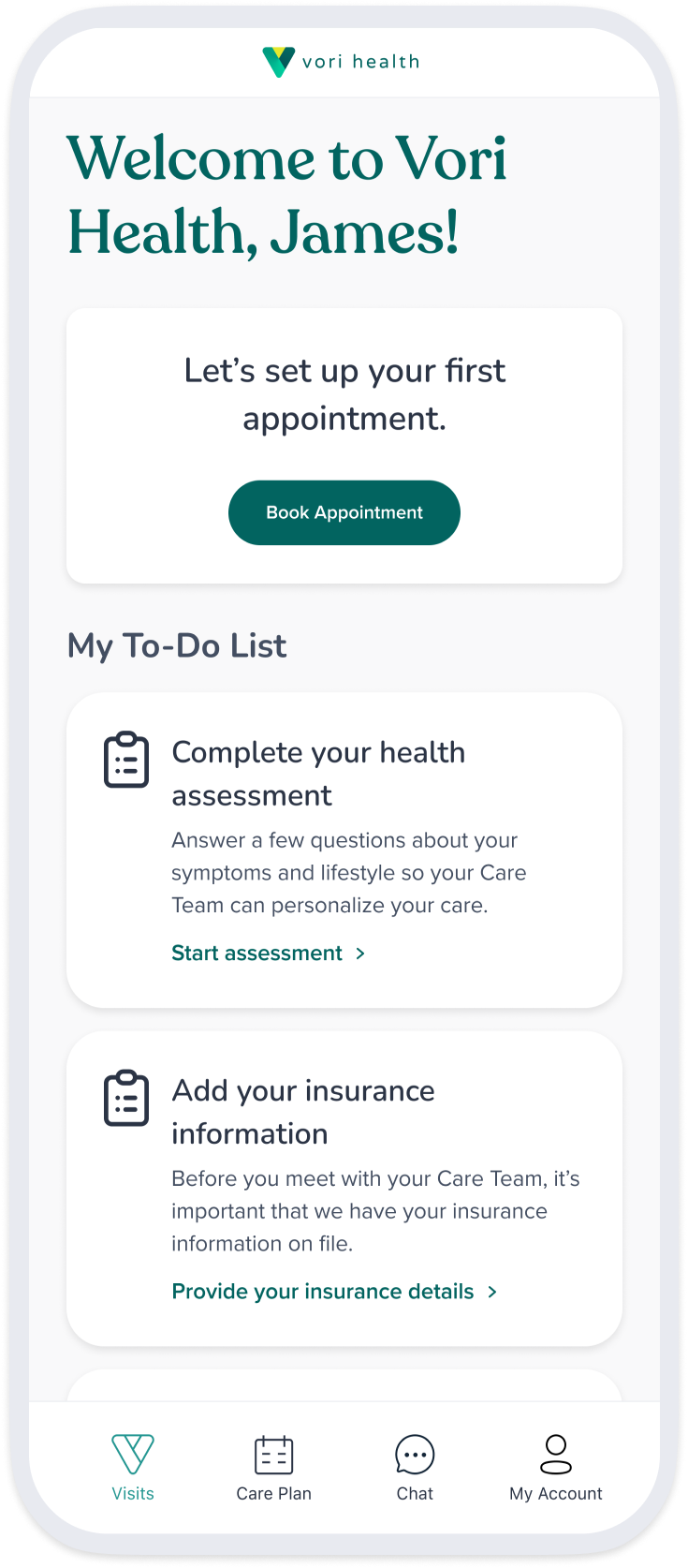
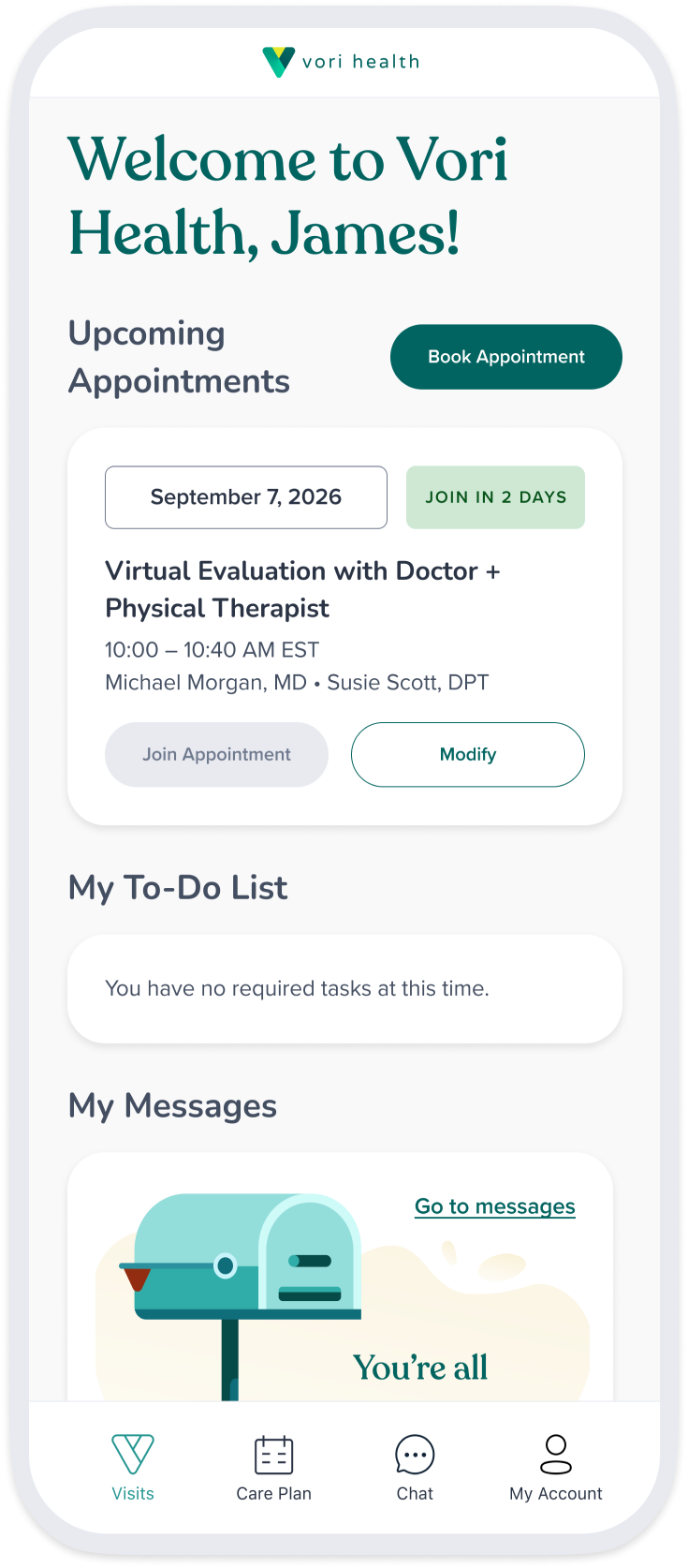
In your dashboard, you can view your upcoming appointment and required forms to complete to help your provider prepare for your visit.
Once you’ve completed the required forms—you’re all set! The ‘Join’ button will become active when it is closer to your appointment date and time.
Download the Vori Health app in the App Store. Once it has finished downloading, open the Vori Health app to log in.
Enter the email address used when you first registered with Vori Health and tap ‘Log In’ to continue. You will receive a verification code via email.
Return to the Vori Health app and enter the 4-digit verification code to proceed. If the code expires, you can request a new code and try again.
In your dashboard, you can view your upcoming appointment and required forms to complete to help your provider prepare for your visit.
Once you’ve completed the required forms—you’re all set! The ‘Join’ button will become active when it is closer to your appointment date and time.
Download the Vori Health app in the App Store. Once it has finished downloading, open the Vori Health app to log in.
Enter the email address used when you first registered with Vori Health and tap ‘Log In’ to continue. You will receive a verification code via email.
Return to the Vori Health app and enter the 4-digit verification code to proceed. If the code expires, you can request a new code and try again.
In your dashboard, you can view your upcoming appointment and required forms to complete to help your provider prepare for your visit.
Once you’ve completed the required forms—you’re all set! The ‘Join’ button will become active when it is closer to your appointment date and time.
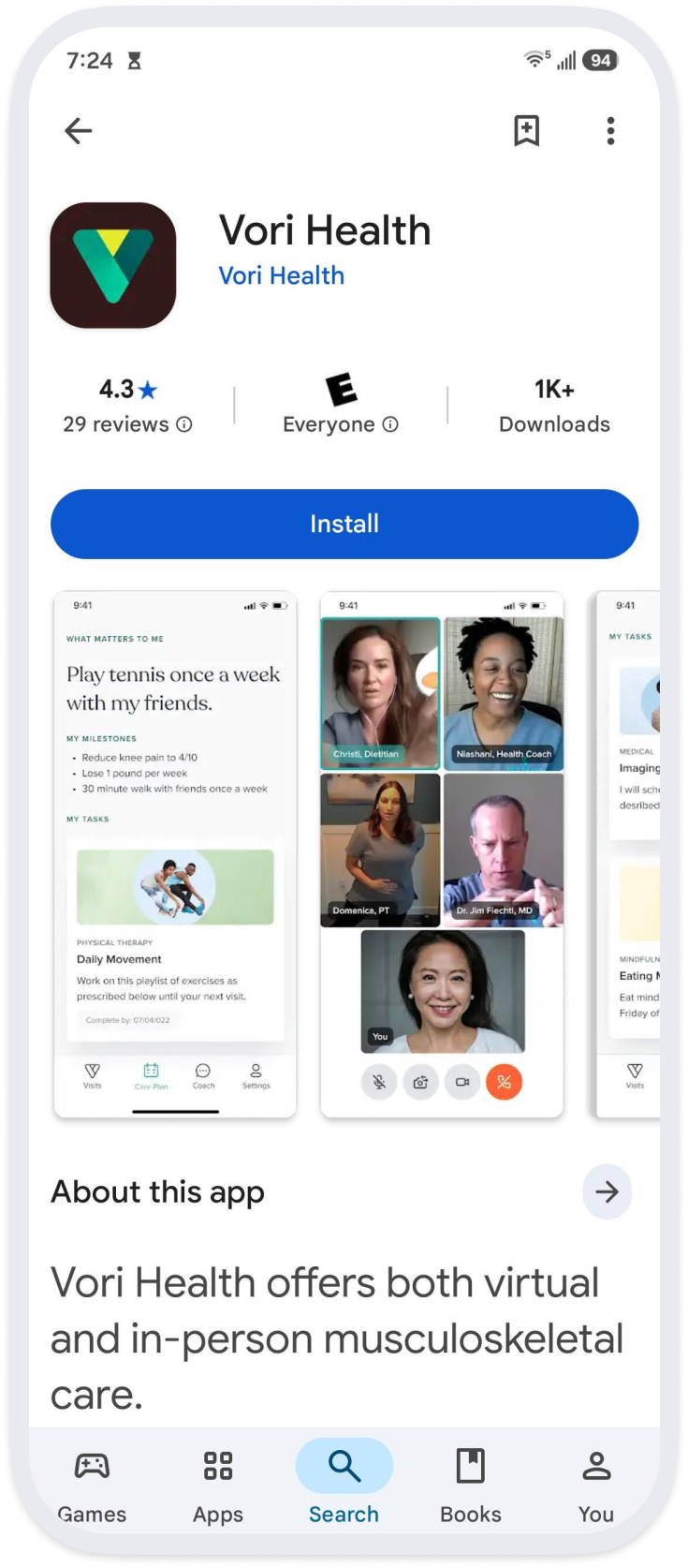
Download the Vori Health app in the Play Store. Once it has finished downloading, open the Vori Health app to log in.
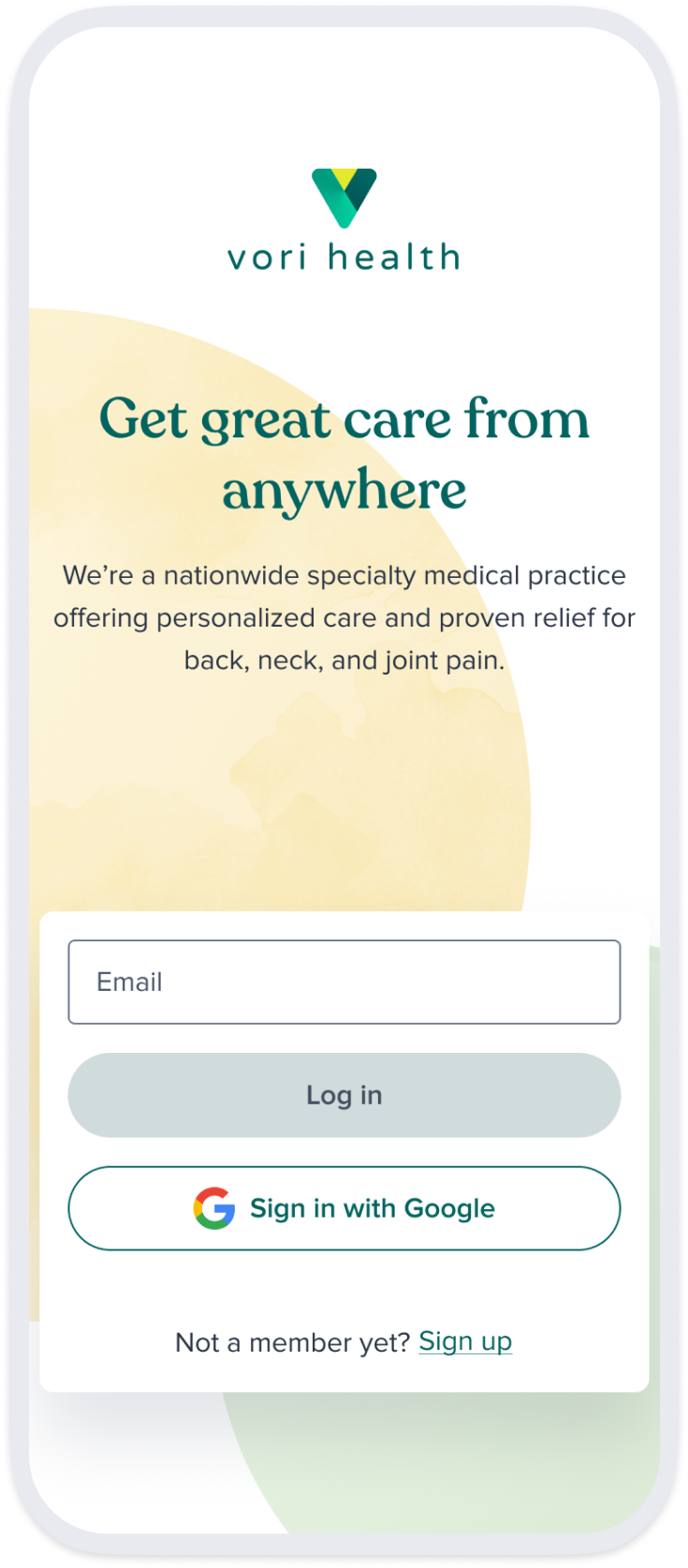
Enter the email address used when you first registered with Vori Health and tap ‘Log In’ to continue. You will receive a verification code via email.
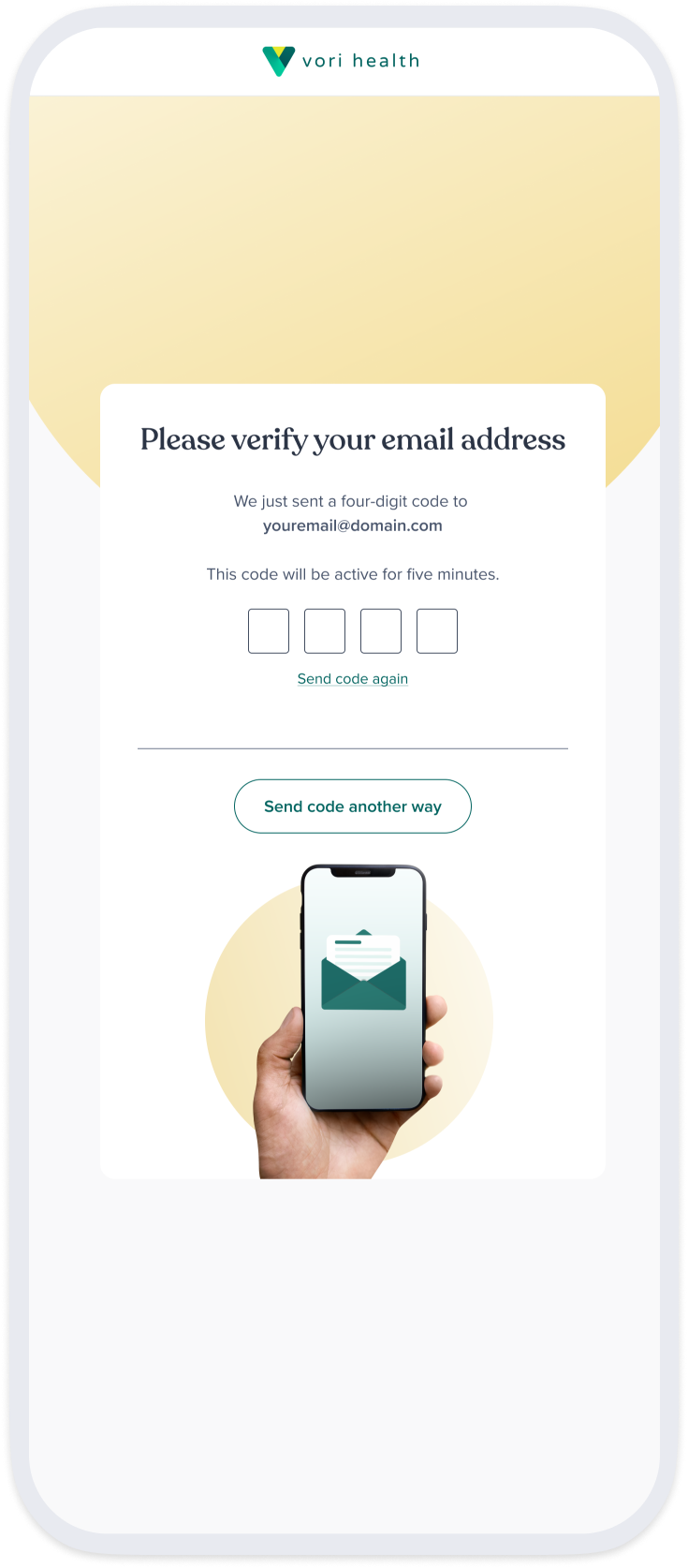
Return to the Vori Health app and enter the 4-digit verification code to proceed. If the code expires, you can request a new code and try again.
In your dashboard, you can view your upcoming appointment and required forms to complete to help your provider prepare for your visit.
Once you’ve completed the required forms—you’re all set! The ‘Join’ button will become active when it is closer to your appointment date and time.

IPHONE USERS
Look for the blue App Store icon on your phone and tap the icon to open the application. At the bottom of the screen, tap the ‘Search’ button to open the search bar. Type in ‘Vori Health’ and press ‘Search’ on your keyboard.
Look for the Vori Health app and tap ‘Get’ to download the app. Your iPhone may ask for Face ID, Touch ID, or your Apple ID password before proceeding.After the app finishes downloading, tap ‘Open’ to open the Vori app. You can also return to your home screen and tap the Vori Health icon.
ANDROID USERS
Look for the Play Store app with a colorful triangle icon on your phone and tap the icon to open the application. If prompted, sign in with your Google account.
Search for Vori Health and tap ‘Install’ to download the app. After the app finishes downloading, tap ‘Open’ to open the Vori app. You can also return to your home screen and tap the Vori Health icon.
Once you’ve opened the Vori app, enter the email address you used when registering with Vori Health. Tap the ‘Login’ button to continue. In just a few moments, you will receive a verification code via email. Do not tap ‘Sign Up’ as your account has already been created.
Next, open your email app and look for an email from Vori Health with your 4-digit verification code. Return to the Vori Health app and enter the code to proceed.
Sometimes emails can end up in your Spam or Junk folders—be sure to check these before requesting a new code.
If you are still unable to locate the email with your verification code or the code has expired, request a new code in the Vori Health app.
If you see ‘Complete Medical History’ or ‘Start Survey Now’, tap each item to begin the required tasks. Completing these forms before your appointment helps your provider to prepare for your visit.
As you complete your form, be sure to enter the same email address used when you first registered with Vori Health. If there are no tasks or forms for you to complete, you’re all set for your appointment!
Need further assistance? Contact our Vori Health support team at (866) 719-9611.